

প্লাগইনের জন্য বারবার পে করার দিন শেষ। সবকিছু অটোমেটিক আপডেট করুন
BanglaDock Elements প্লাগইনের মাধ্যমে আপনার ওয়ার্ডপ্রেস সাইটের ৫০,০০০+ প্রিমিয়াম জিপিএল প্লাগইন ও থিম অটোমেটিক আপডেট এবং ব্যাকআপ রাখুন একটিমাত্র মেম্বারশিপের অধীনে।
What is BanglaDock Elements?
BanglaDock Elements is a WordPress plugin that manages automatic updates and installations for premium GPL plugins and themes through a single membership license from bangladock.net.
Normally, every premium plugin requires its own expensive license key for updates. BanglaDock Elements eliminates that hassle with one single key. Once activated, it connects to our repository and lets you:
- Update all installed premium plugins & themes to their latest releases individually or in bulk.
- Install new items from a repository of 37,000+ GPL items directly in your WordPress dashboard.
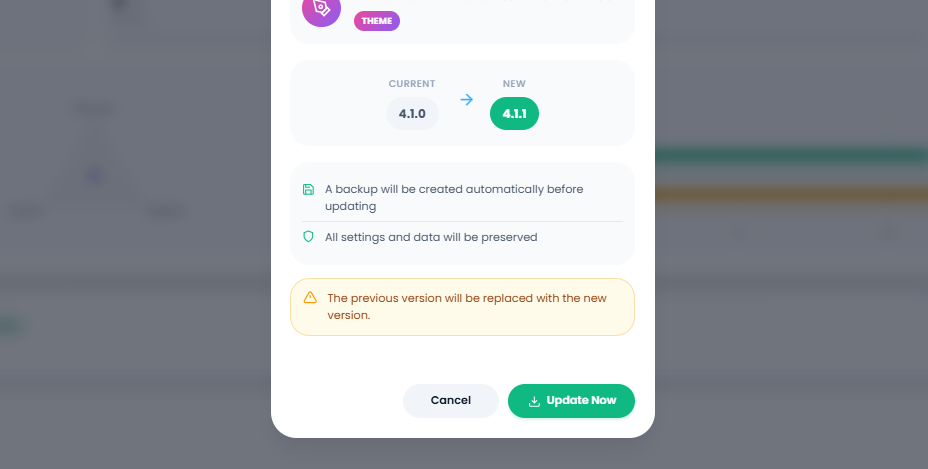
- Back up the working version automatically before updating, with 1-click instant rollback.
- Track audit logs and verify your server's compatibility with built-in Site Health.
The 5 Core Tabs At A Glance:
Updates Tab
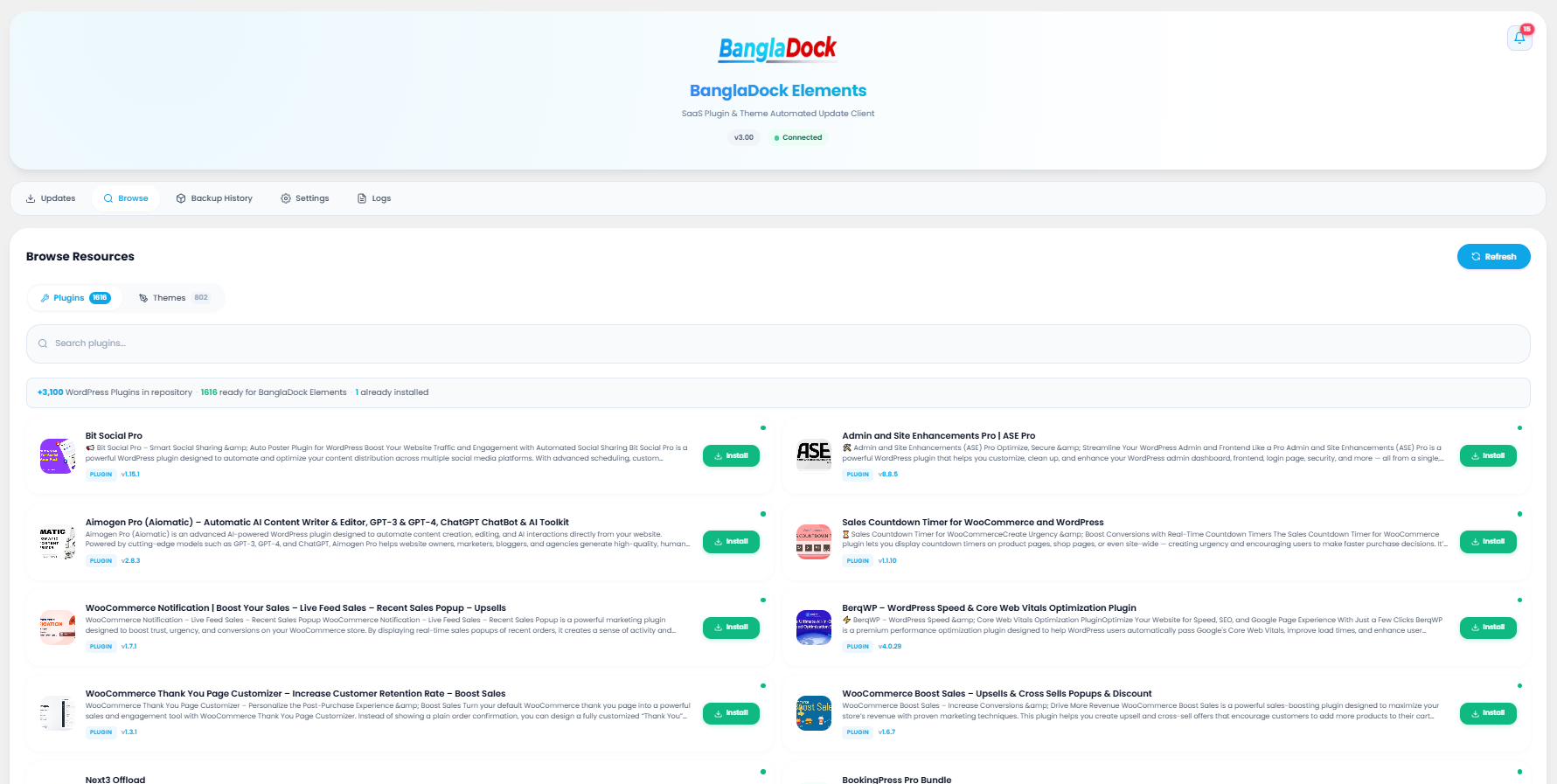
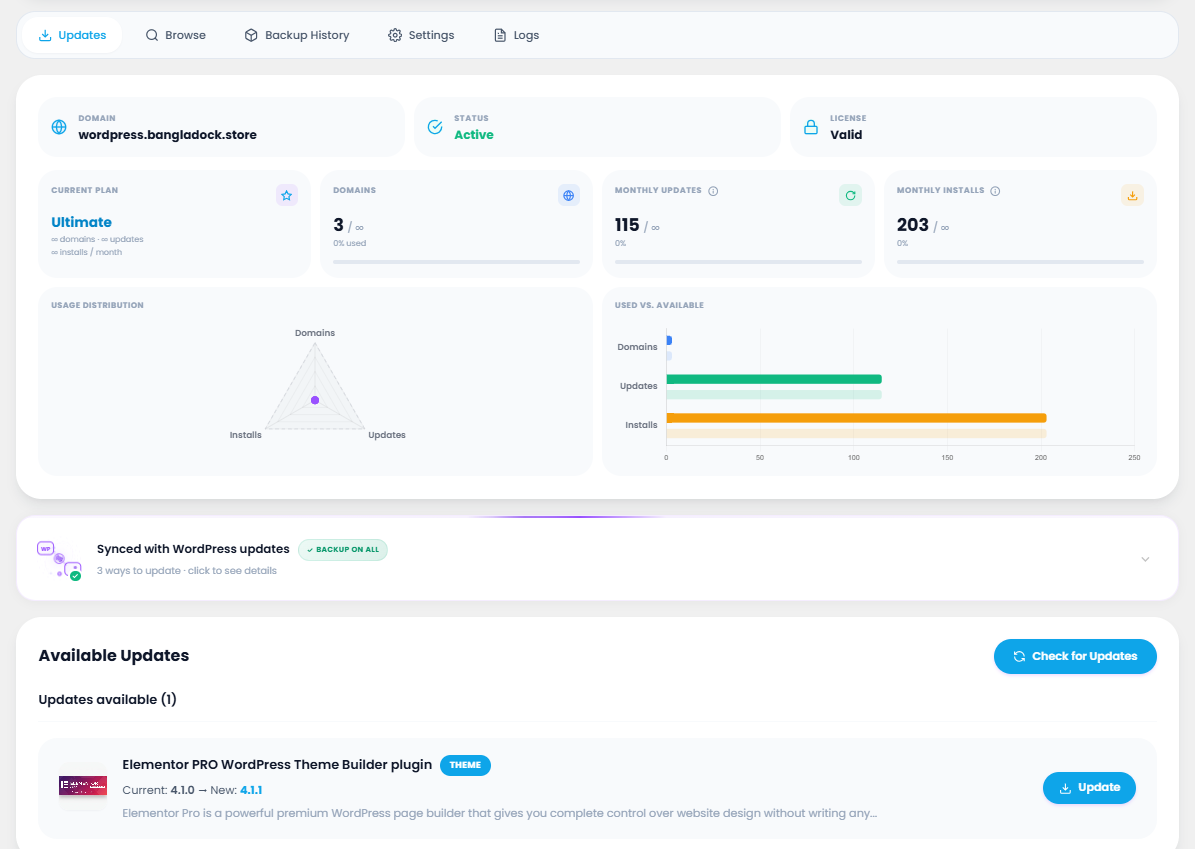
Overview of domain registration, connection status, subscription limits, and pending updates.
Browse Tab
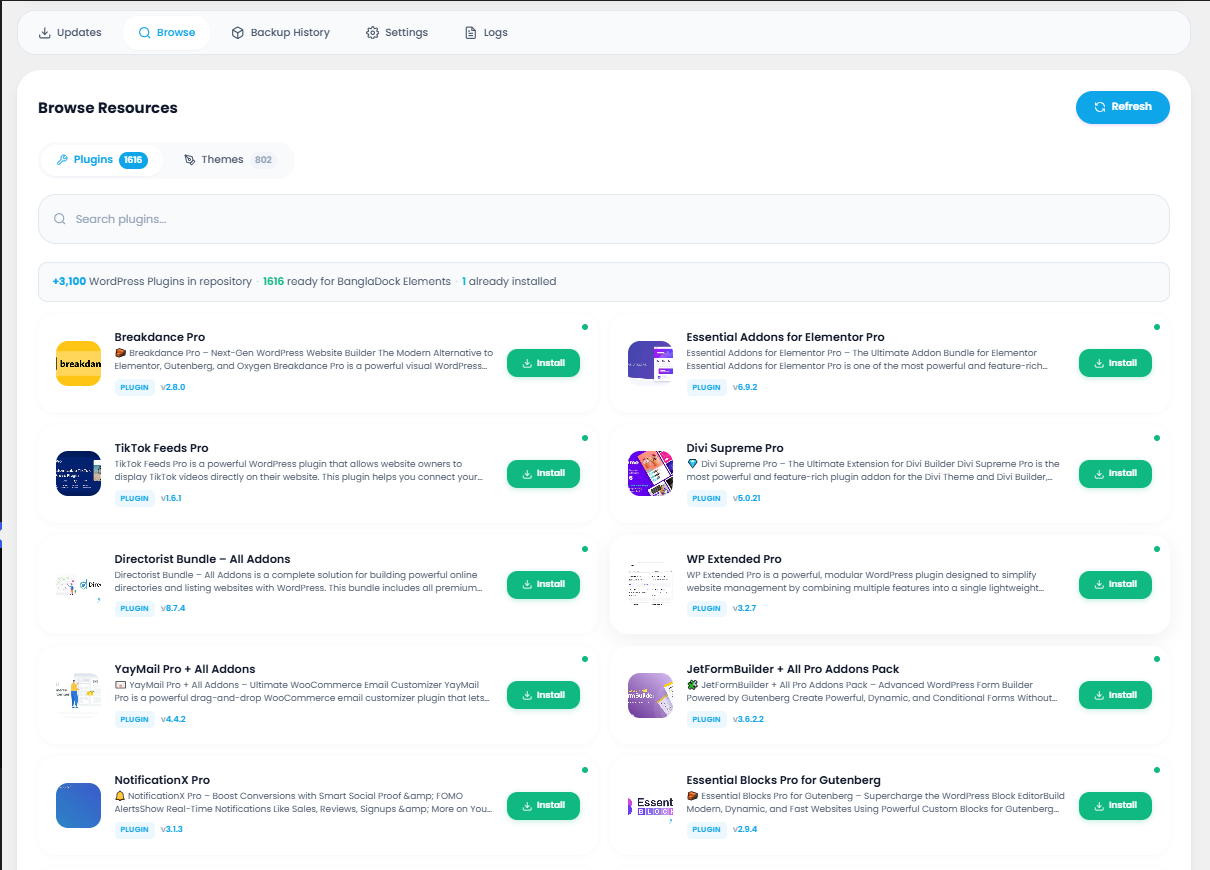
Live search and install from 37,000+ plugins & themes without leaving your dashboard.
Backups Tab
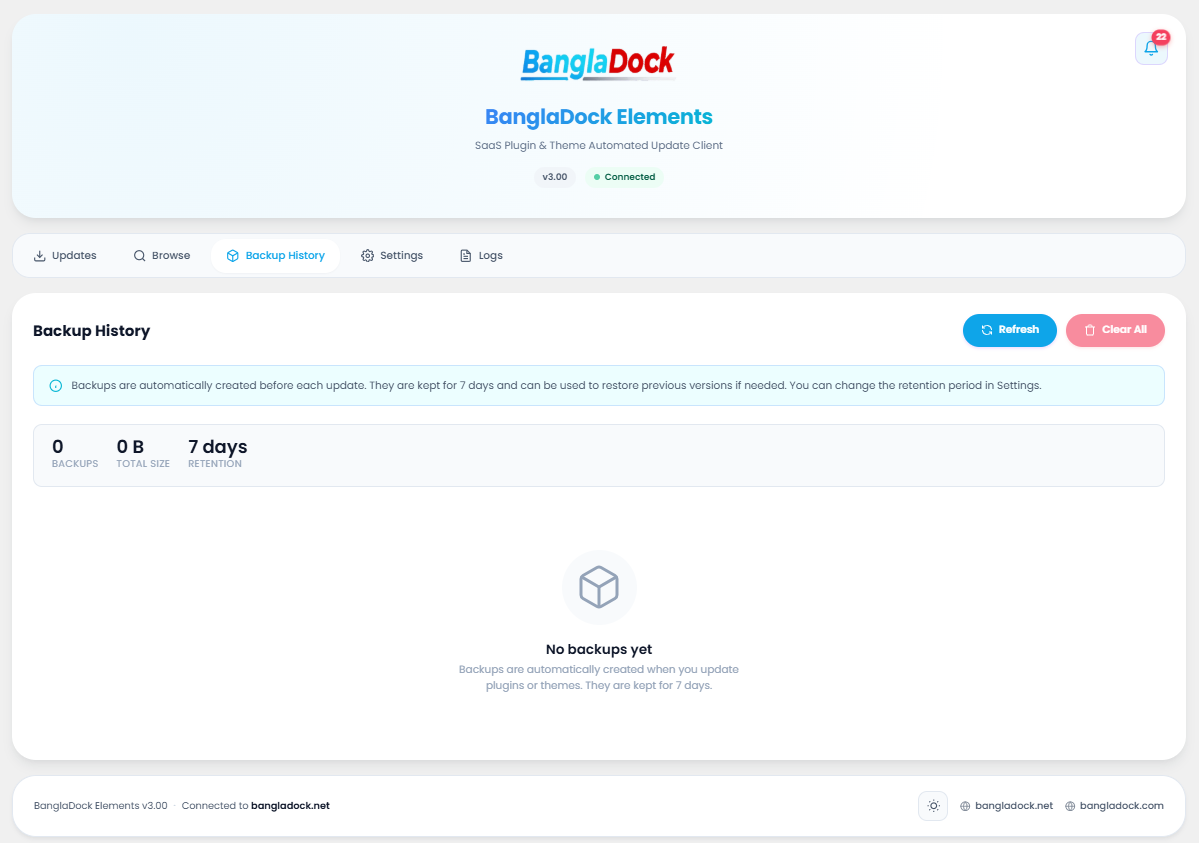
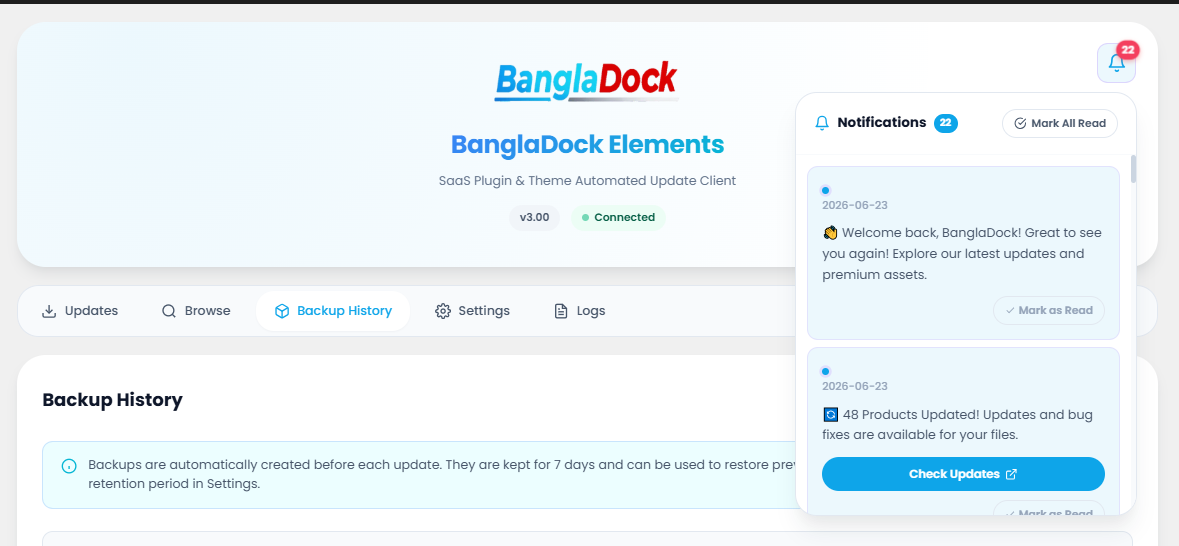
Pre-update backup archive history ready for 1-click restore whenever needed.
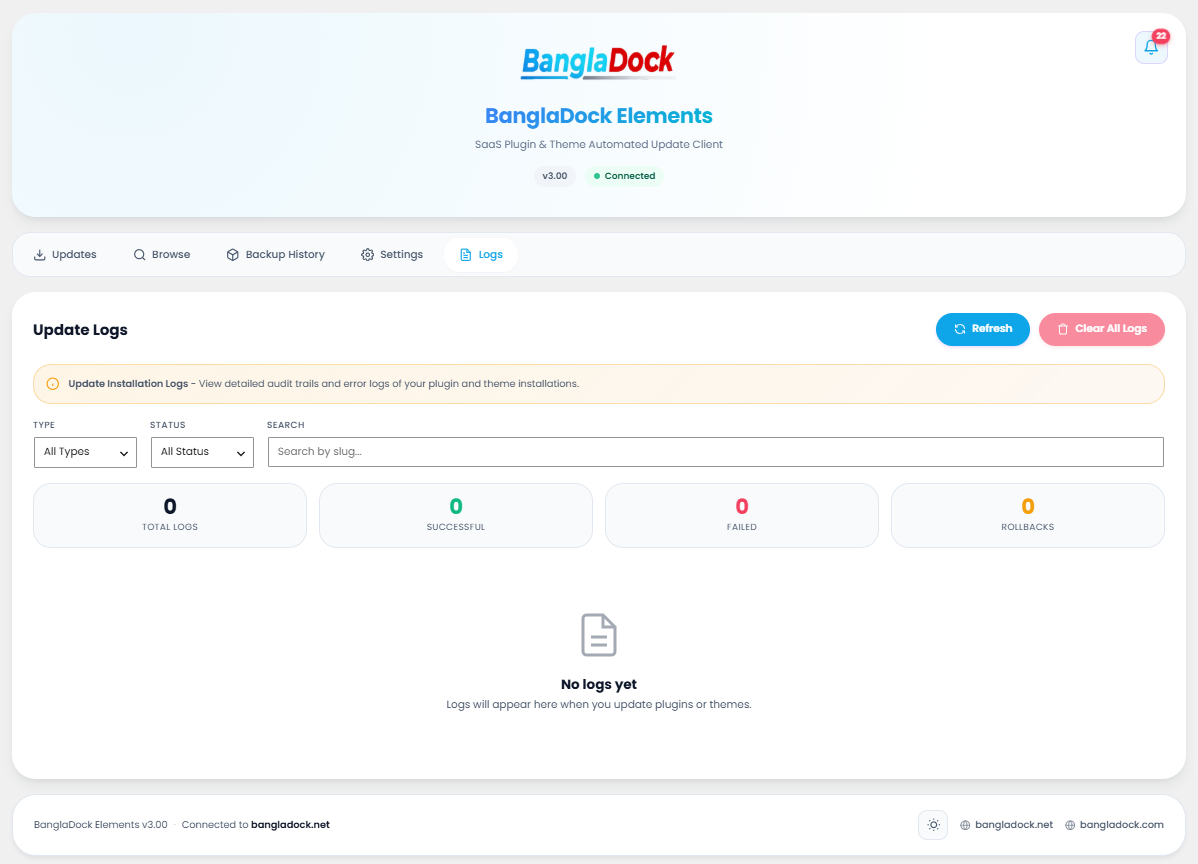
Logs Tab
Full audit logs showing timestamps, severity levels, and execution statuses.
Settings Tab
API connections, resource exclusion filters, statistics charts, and agency role permissions.
Who It's For
Designed for anyone who builds or manages WordPress websites and wants premium functionality without paying exorbitant recurring fees.
Site Owners
Run a business or blog and want access to premium tools without paying for each plugin individually.
Developers & Freelancers
Build client websites faster with premium features and keep them updated effortlessly from one panel.
Agencies
Manage dozens of client websites with role-based white-label controls to keep client delivery clean.
Server Requirements
BanglaDock Elements runs smoothly on standard WordPress hosting environments. Ensure your server meets these benchmarks:
| Requirement | Minimum | Recommended | Why It Matters |
|---|---|---|---|
| WordPress | 6.0 | 6.4+ | Uses native update and installation APIs. |
| PHP Version | 8.0 | 8.2+ | Required to unzip and process packages safely. |
| PHP Memory Limit | 256 MB | 512 MB | Large themes need memory during extraction. |
| Max Execution Time | 60s | 300s | Prevents timeouts during bulk updates. |
| ZipArchive | Enabled | Enabled | Unpacks downloaded ZIP archives. |
| HTTPS / SSL | Enabled | Enabled | Secure connection to update repositories. |
| Writable Folders | /wp-content/ | — | Plugins, themes, and backups are written here. |
Installing the Plugin
Installation is standard and takes under 60 seconds:
Download Plugin ZIP
Download the latest bangladock-automatic-update.zip from your BanglaDock account dashboard.
Upload to WordPress
Go to Plugins → Add New → Upload Plugin in your WordPress admin, select the ZIP file, and click Install Now.
Activate Plugin
Click Activate Plugin. You will see a new menu item labeled BanglaDock Elements.
Complete Setup Wizard
The initial setup wizard will launch automatically to guide you through activating your license key.
Activating Your License
A valid license API key connects your site to the repository. The wizard walks you through each step:
Step 1 — Welcome Screen
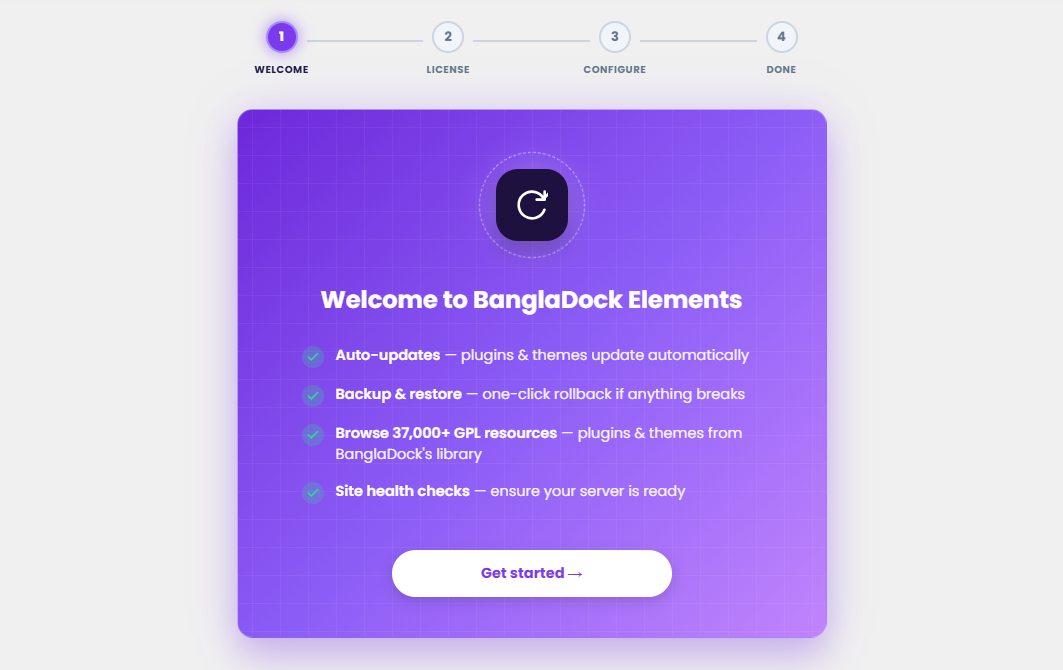
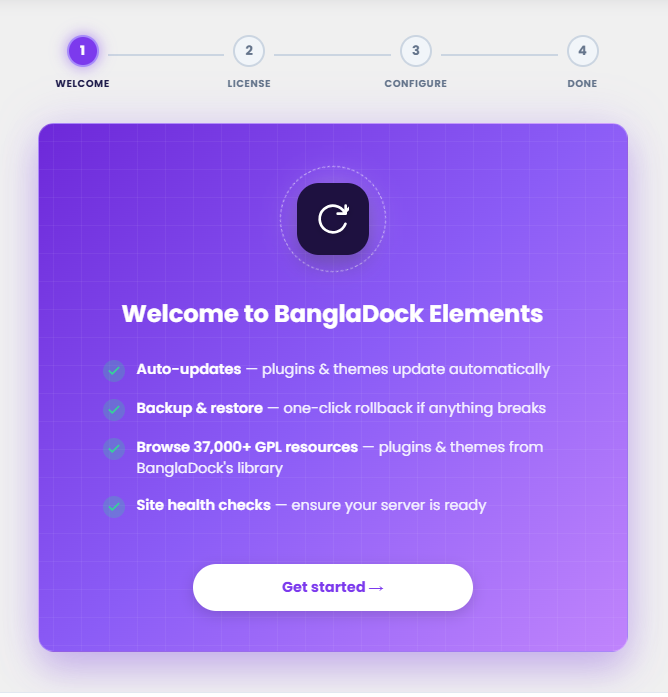
Introduction to the core capabilities. Click Get Started to continue.
Step 2 — Enter License Key
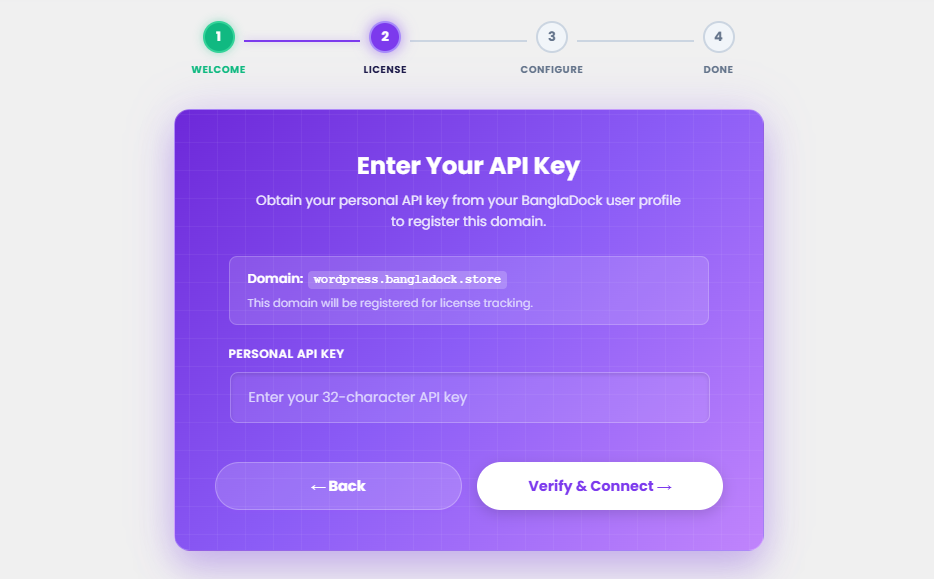
Paste your API key from your BanglaDock dashboard and click Verify & Connect.
Step 3 — Server Diagnostics
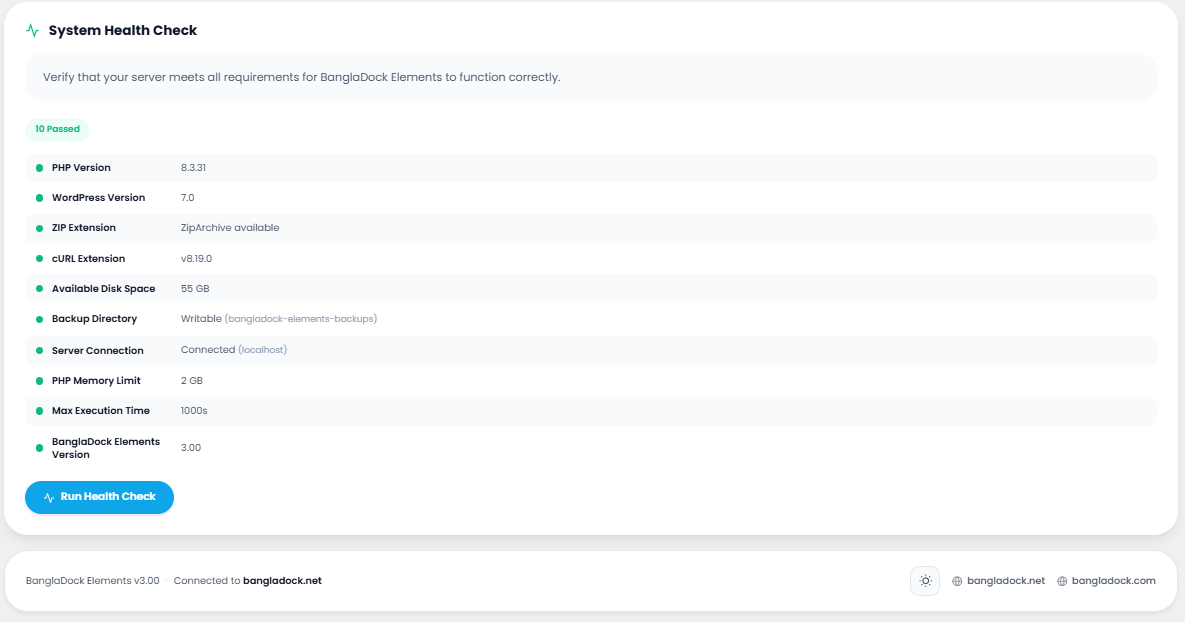
Automatic health check ensuring PHP, WordPress, and directory write permissions are ready.
Dashboard Status
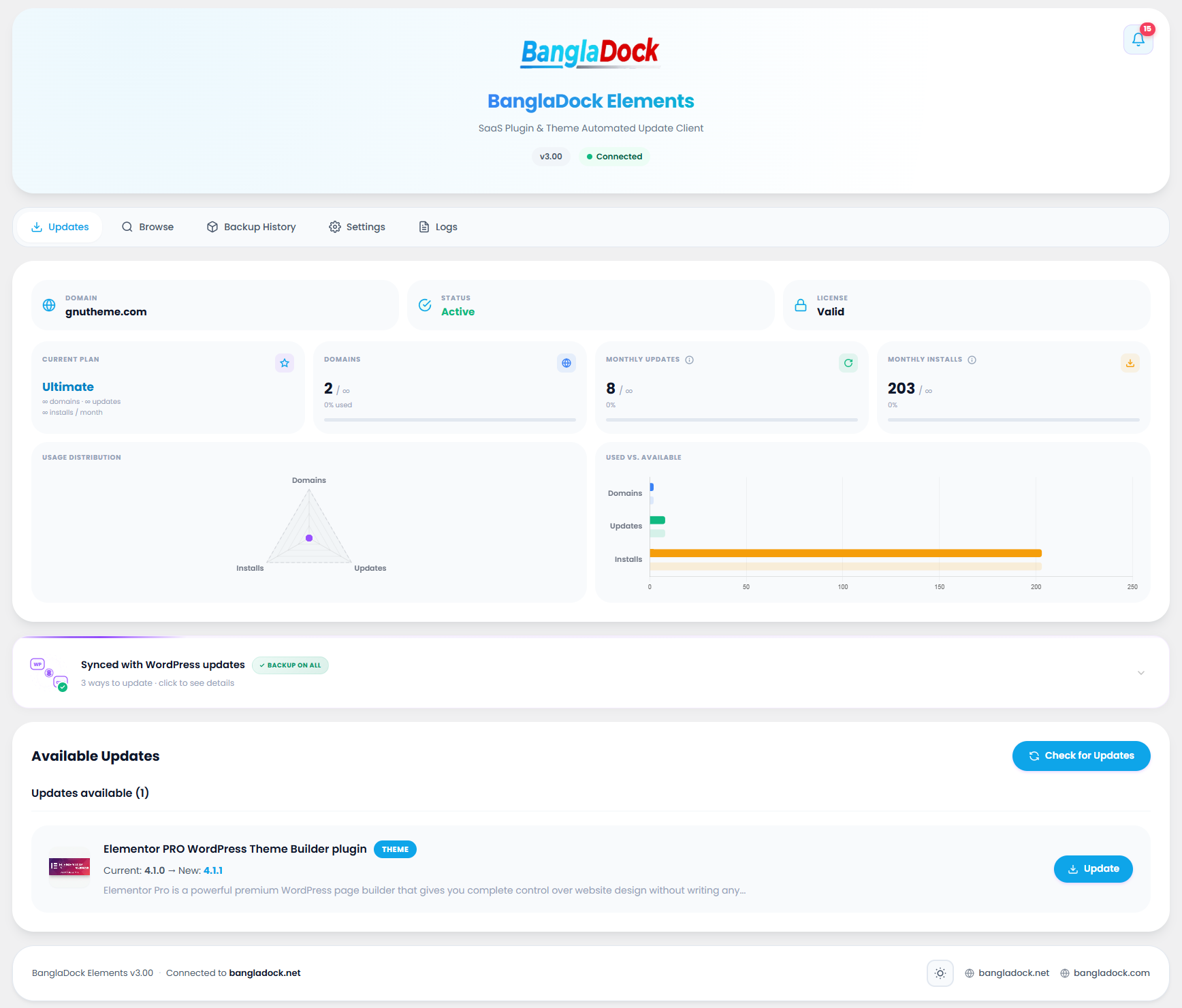
The dashboard connection status bar at the top of the Updates tab provides a summary of site registration, active subscription, and limits.
| Element | Function |
|---|---|
| Domain Registration | Lists domain name registered for updates under this license key. |
| Connection Badge | Displays Connected status badge. |
| Active Membership | Displays plan tier (e.g. Ultra, Ultimate) and validity. |
| Download Limit Counter | Shows consumed update counts out of monthly limit. |
Updates List Panel
Lists all premium plugins and themes installed on your site that have newer versions ready to install.
| Action | Function |
|---|---|
| Check Updates | Queries the repository to verify if newer versions are available. |
| Bulk Update | Select multiple resources and update them simultaneously in one batch. |
| Individual Update | Click update on a specific item row for focused updating. |
Browse & Install Catalog
Explore over 37,000+ premium GPL items and install them instantly without leaving your WordPress admin.
Backup History & 1-Click Rollback
Automatic backup ZIP archives created before each update, allowing immediate rollback if an update ever breaks compatibility.
Update Logs & Audit Trail
Complete audit tracking of every update, install, and restore action with timestamps and severity levels.
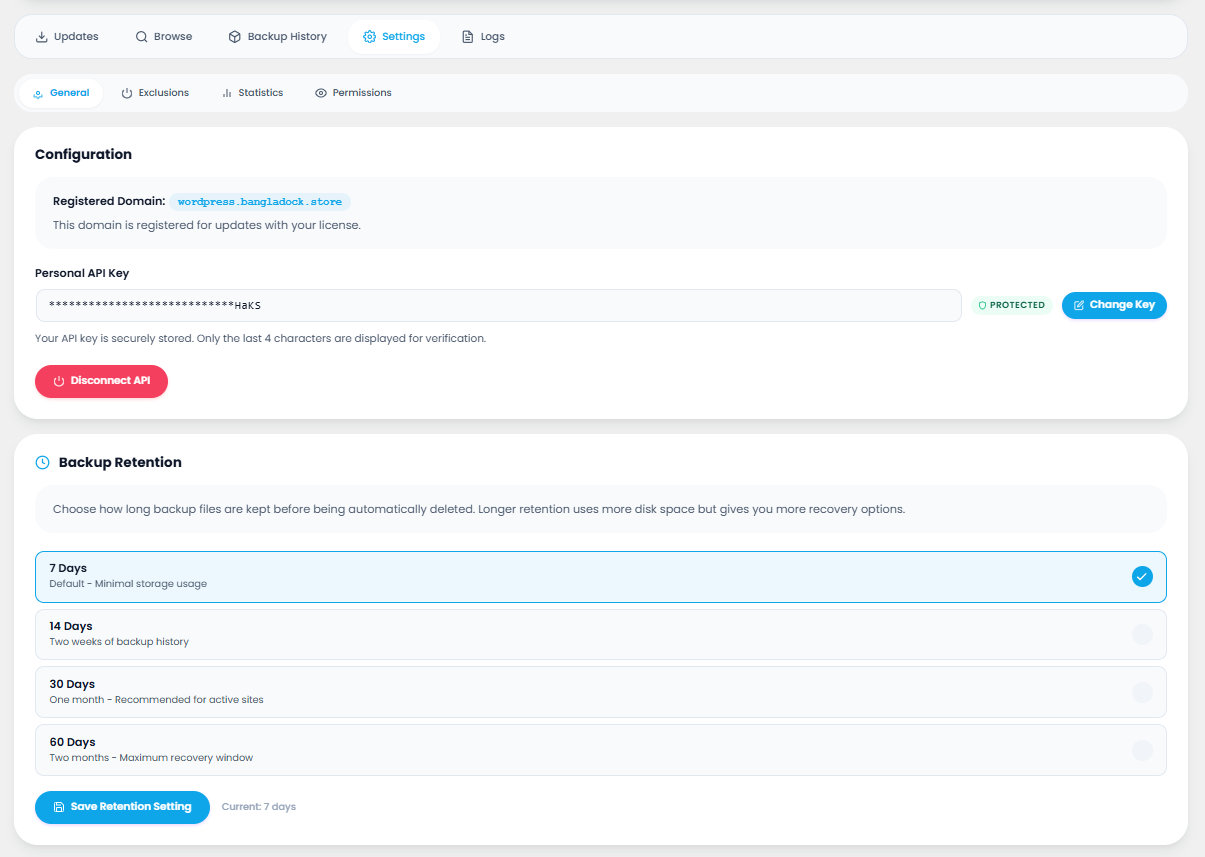
Plugin Settings & Agency Controls
Comprehensive configuration divided into General, Exclusions, Statistics, and Agency Permissions.
1 · General Settings
Manage API keys, domain registration, backup retention (7, 14, 30, 60 days), and manual diagnostics.
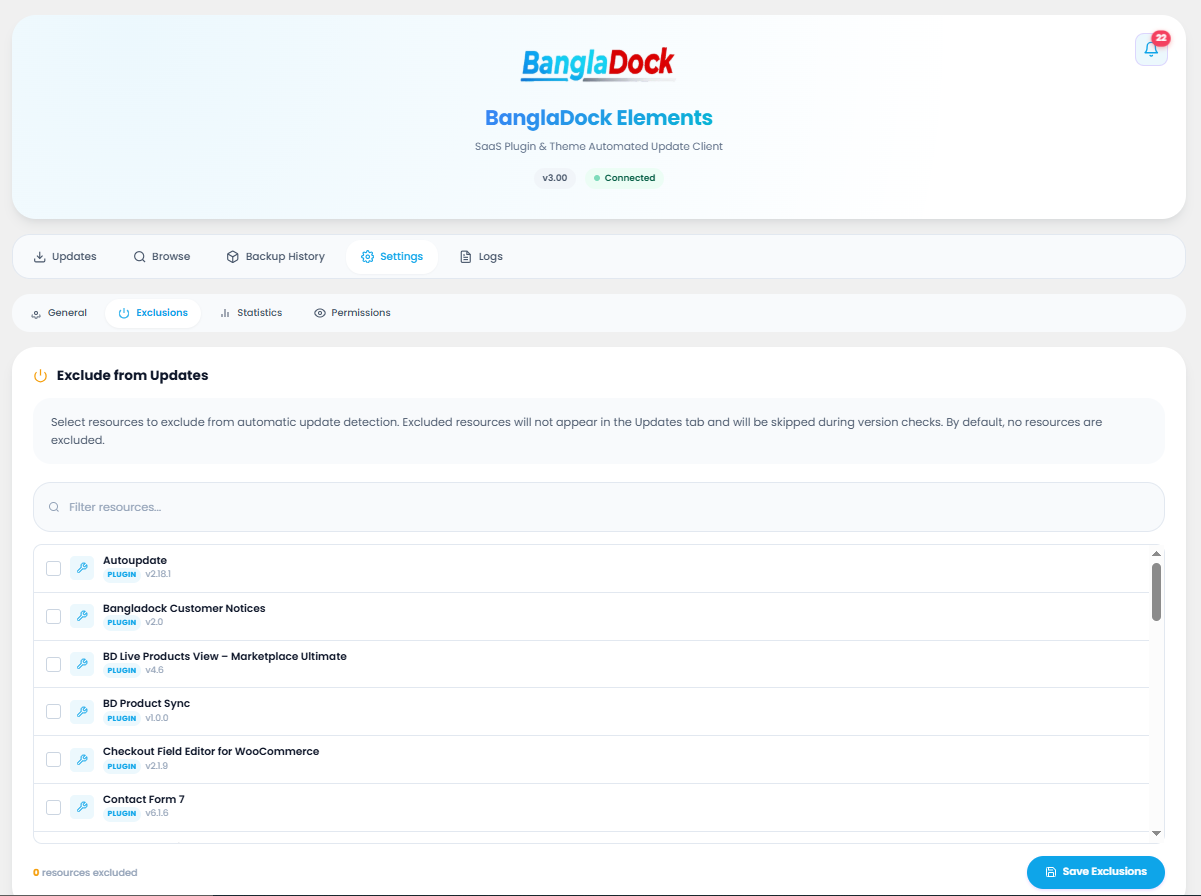
2 · Exclusions Settings
Exclude specific plugins or themes from update checks to freeze customized versions.
3 · Statistics & Analytics
Visual metrics and charts of update counts, success rates, and download trends over time.
4 · Agency Permissions & White-Label
Control tab visibility and hide license information from clients based on roles or specific user accounts.
License Management
View connected API key, modify credentials, or re-verify domain registration.
Site Health Diagnostics
Verifies PHP version, WordPress version, ZipArchive extension, memory limits, and backup folder write permissions.
Messages & Alert Notifications
Instant feedback via pop-up toast notifications in the top corner:
Keyboard Shortcuts
Navigate and execute actions faster using keyboard triggers:
Frequently Asked Questions
Answers to common questions regarding BanglaDock Elements:
Do I need a separate license for each individual plugin?
Where do I obtain my license key?
What happens if an update breaks compatibility?
Can I move my license to a new domain?
Is this legal? What is the GPL License?
One Key. Every Premium Plugin. Always Up To Date.
Stop juggling dozens of manual zip files and separate license subscriptions. Install BanglaDock Elements, activate once, and enjoy effortless updates with automatic safety backups.
